01
Your words
A first name, your full name or a word you love. You choose what it says.
Create signature art from a name and an idea. Shape it, style it, animate it.
A few ways to make it yours
The first letter, a pair in the middle, or the final flourish. Your idea can take shape anywhere in the name.

A little mythical. Unmistakably yours.
First letter · D · Dragon
A quiet moment with a little ocean in it.
Middle letters · owa · Whale
Two little letters. A whole new way to ride.
Middle letters · oo · Bicycle
Let the last letter grow into something lovely.
Final letter · y · Leafy branch
Your favourite place, somewhere in the middle.
Middle letters · nn · Mountains
Room for more than one part of your story.
Multiple ideas · Mountains and sun
For the joy of the open road.
Ending letters · olan · Classic roadster
A little wild spirit in your handwriting.
Ending letters · eya · Horse
A name with music in the middle.
Middle letters · lli · Grand piano
A little open water in your everyday.
Ending letters · ery · Sailing yacht
Made for your playful side.
Middle letters · asp · Roller skate
A name ready to spread its wings.
Middle letters · ror · Butterfly
For the things you love to make.
Ending letters · tte · Sewing machine
A name with a little holiday in it.
Final letter · y · Palm treeSelected AI examples, made with different settings. Each generation is different.
Start with something personal
A first name, your full name or a word you love. You choose what it says.
A single object or a few things that belong together. Tell us what you have in mind.
Choose the details or let AI decide. Create, look closer and explore another direction.
As simple or as personal as you like
Shape one letter, a group or the whole word. Try negative space to make the gaps between strokes part of the idea.
Describe the feeling or a few ideas together. Let AI decide where the shapes and details belong.
Fountain pen, pure black, white on black, graphite, chalkboard, glass, Misted Glass, sticker pop, cut paper, beach sand and embroidery.
Create in landscape, square or portrait. Save your artwork or export a tracing video in the original shape, widescreen or vertical format, at the speed you like.
Subscriber feature
Keep the character of your writing as inspiration. Give it a new idea to grow into.
Your typed name sets the spelling. The reference guides the lettering, rather than making an exact copy.
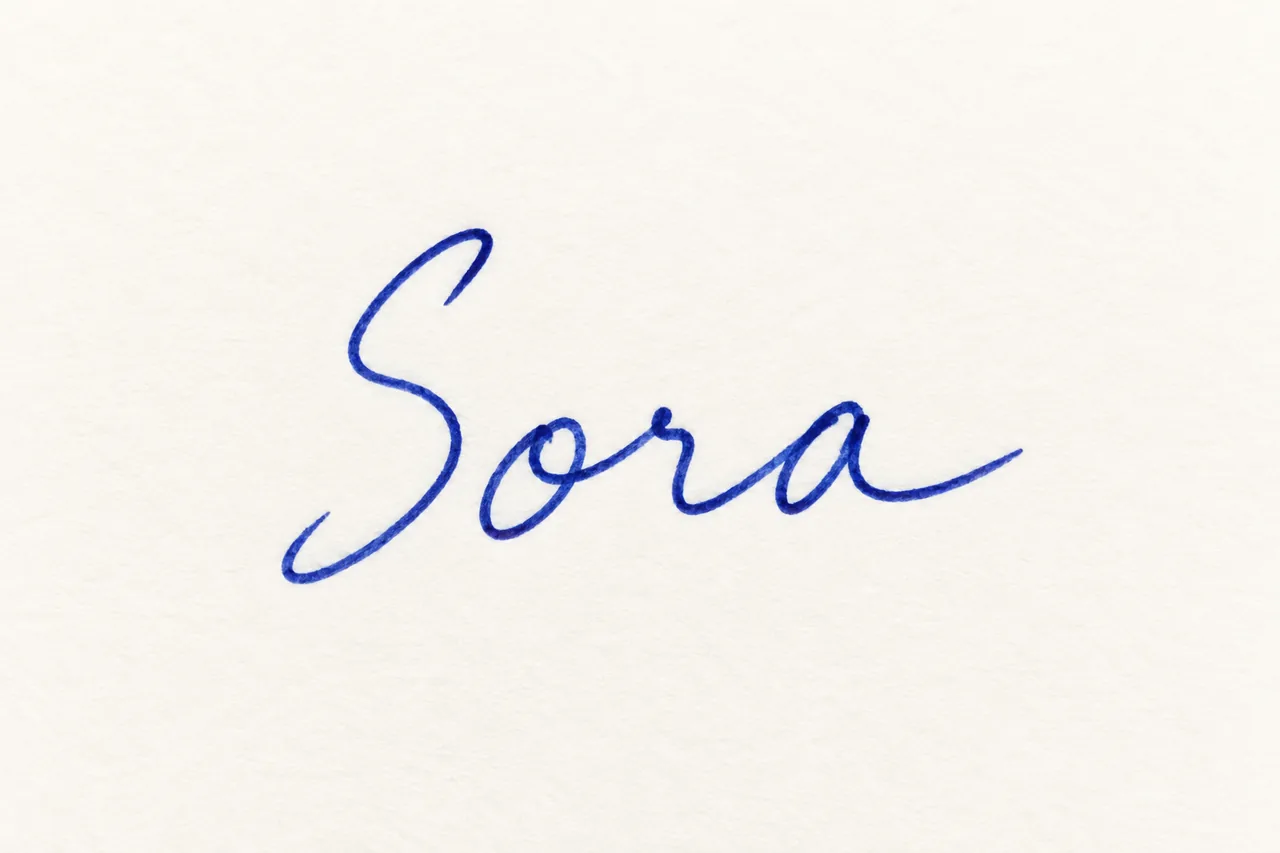
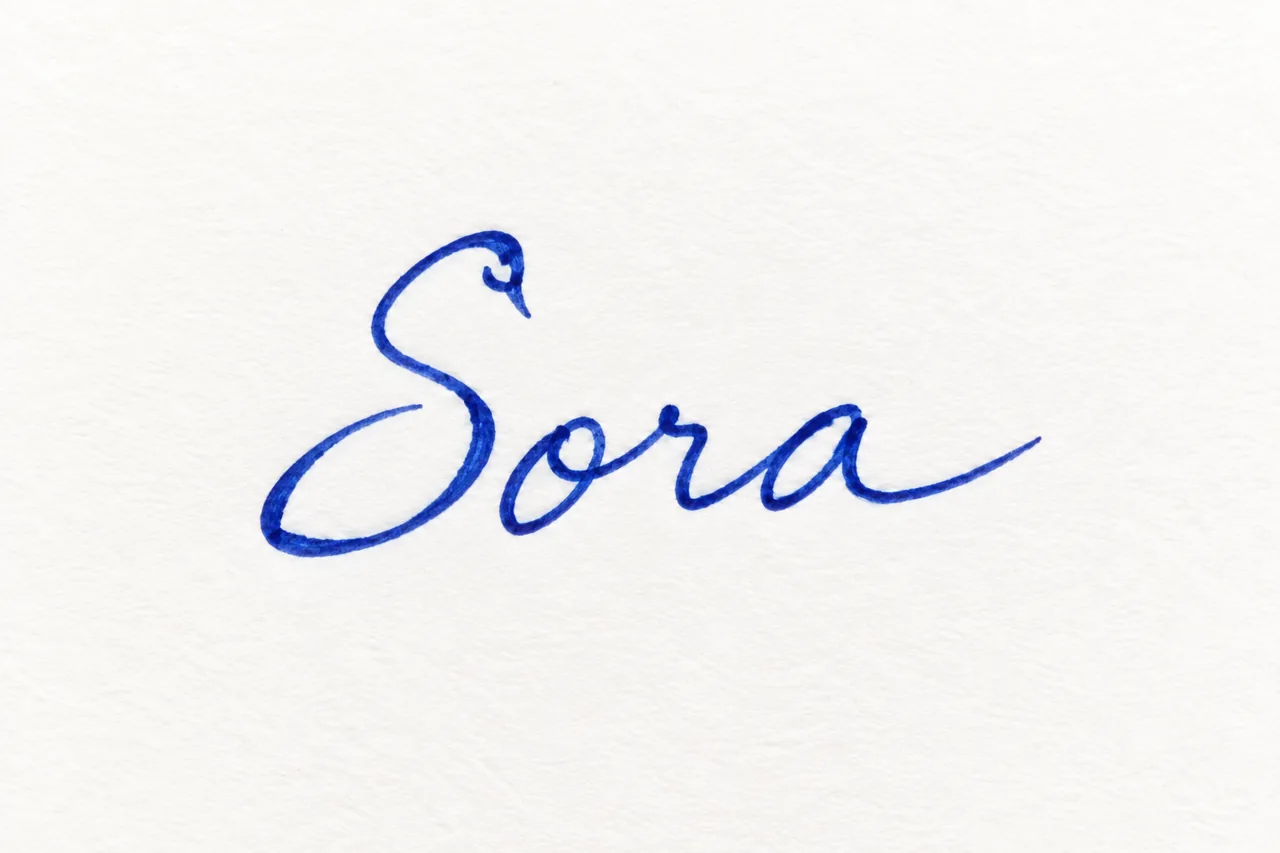
Illustrative sample created for this demonstration, then used as an image reference.
Image references · Subscriber feature
A favourite photo, a meaningful symbol or a logo you love. Use its shapes as inspiration for something personal.
Enter your name or word, then add a reference under Handwriting or image. Auto finds its role, or you can choose Writing style or Visual idea. Add a description if you want to guide the idea.
Make room for your next idea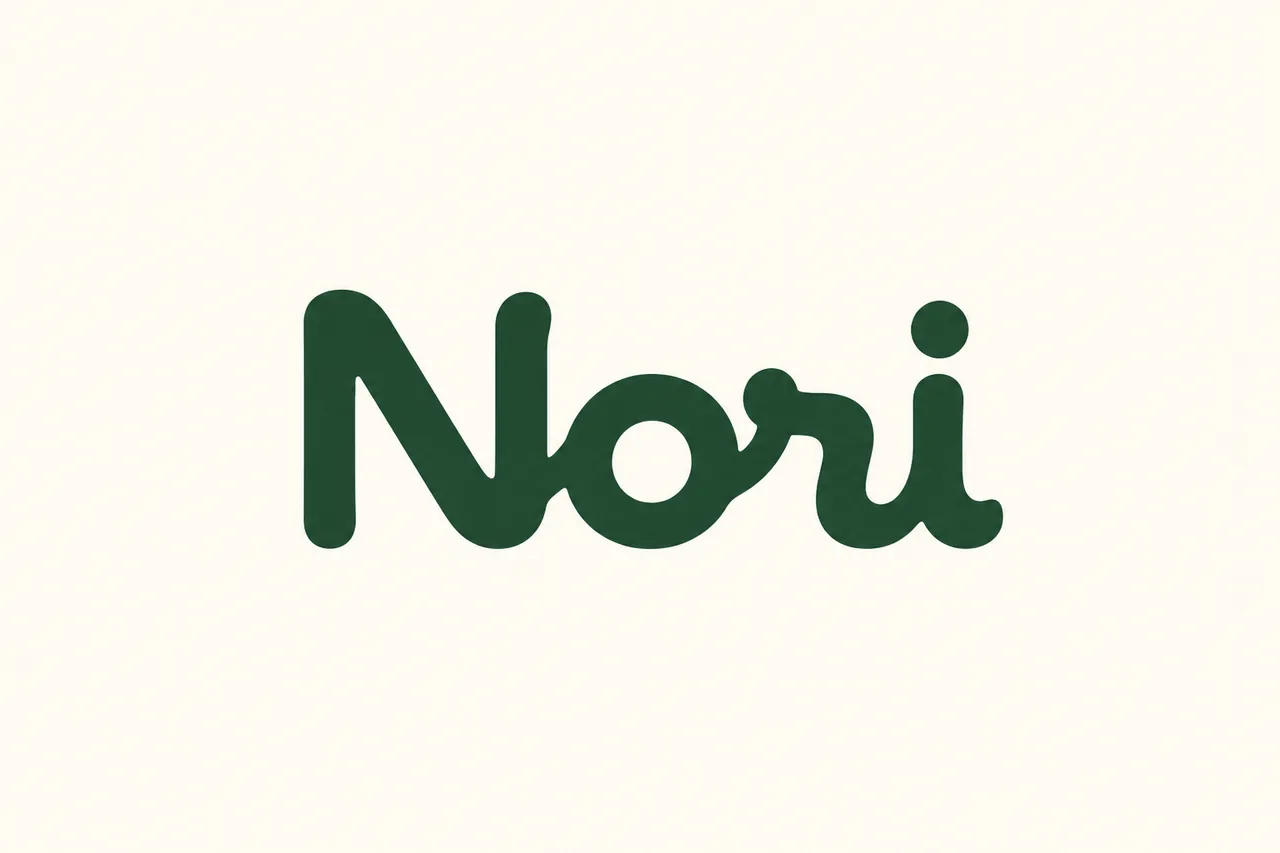
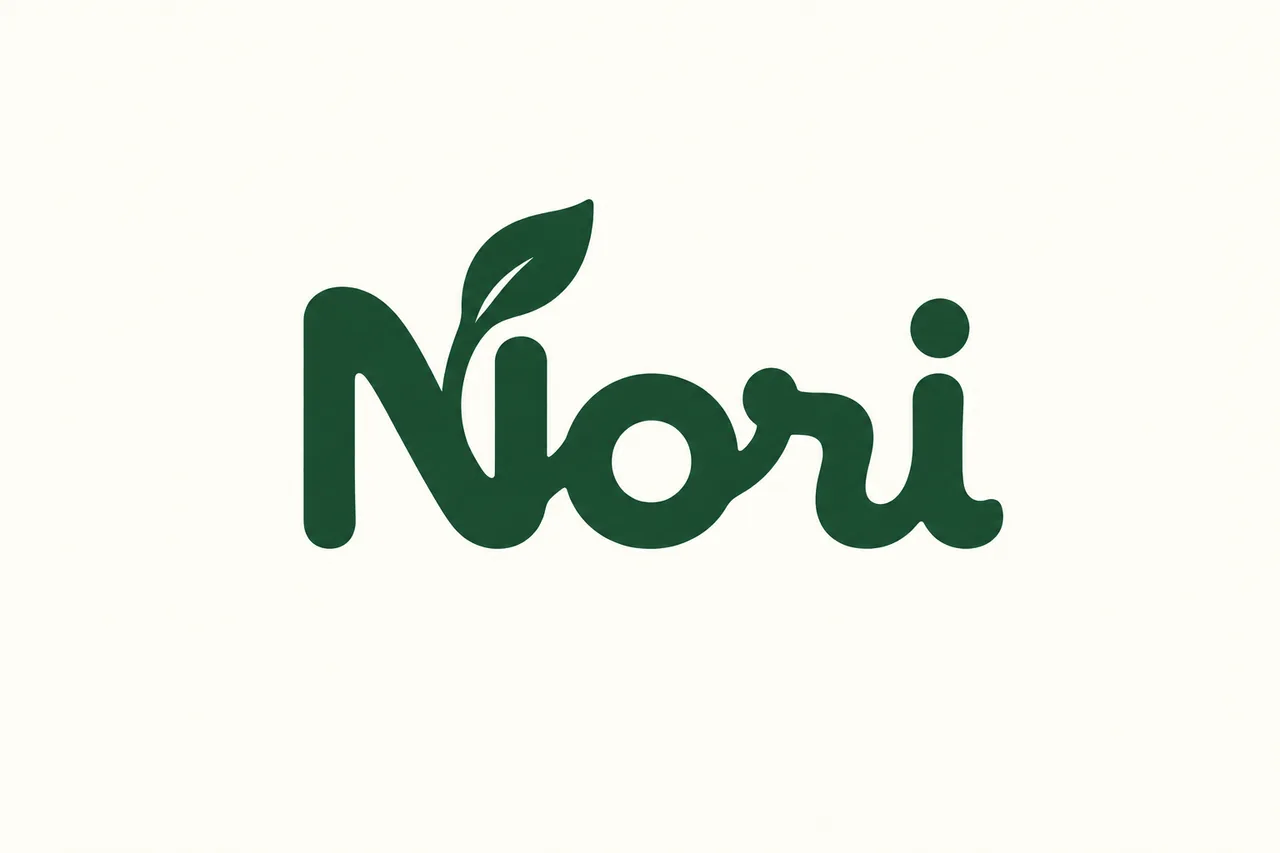
Illustrative example. Your reference inspires the shapes; your chosen Look sets the finish. Only upload images you have permission to use.
Made for your screen
Start creating on Mac or Android today. iPhone and iPad are coming soon.
Download for Mac or Android and start with 50 welcome credits. Waiting for iPhone or iPad? Get in touch for launch updates.
Ask about iPhone and iPadGood to know
Signatures, creative lettering and personal logo concepts from a name or word and your visual idea. Shape one letter, combine several, explore negative space, or let AI choose the composition.
Yes. Subscribers can draw, take a photo, or upload handwriting they have permission to use. The reference guides the character of the lettering. Your typed text tells the app exactly what to write.
Yes. Subscribers can add a photo, logo or icon under Handwriting or image. Auto interprets the reference, or choose Writing style or Visual idea. Always enter the name or word to create. A visual reference can supply the idea without an extra description. It inspires shapes within the lettering, not a direct edit of your original file.
Signature designs in all eleven looks support tracing animation, including designs inspired by a reference. Choose a playback speed and export an MP4 in the original shape, widescreen 16:9 or vertical 9:16. Tracing is reconstructed from the image, so results vary.
Available now for Mac and Android. iPhone and iPad are coming soon. Use the download links above to find the app in your store. Availability may vary by country or region.
New accounts currently receive 50 welcome credits. The app shows the cost before you create. Sign in is optional to start. A subscription unlocks handwriting and image references, which use additional credits. Plans and credit packs are shown in the app.
No. Shape My Signature is a creative design tool. It does not authenticate, verify, or certify legal signatures or a person’s identity.